.png)
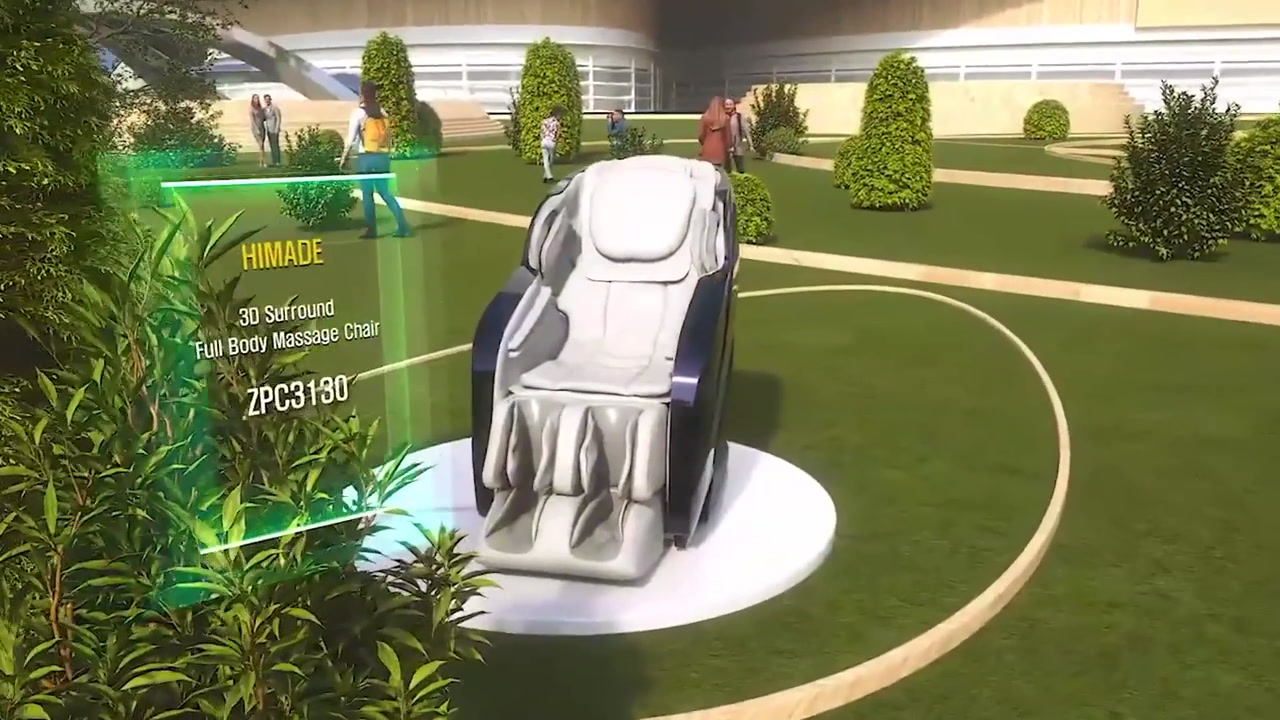


Rendering for XR
Why rendering matters in XR production
In XR, rendering is not only about making an image look polished. It is where lighting, shading, camera movement and compositing determine whether a scene feels believable, readable and practical for the intended platform. Mimic Productions approaches rendering as the final stage of a wider 3D pipeline, so the work stays aligned with modelling, texturing, animation and the delivery format from the outset.
For XR teams, that means thinking carefully about what needs to happen in real time, what should be rendered in advance and how the final visuals will sit inside a headset, a web-based experience or a mixed-reality context. Mimic XR describes its work across virtual reality, augmented reality and mixed reality, with environment creation, asset development, interaction design and performance optimisation. That makes rendering a useful part of the workflow when you need high visual quality without ignoring platform limits.
Production challenges
Common XR production pressures
XR rendering has to balance visual ambition with platform constraints and handoff requirements.
01
Real-time limits
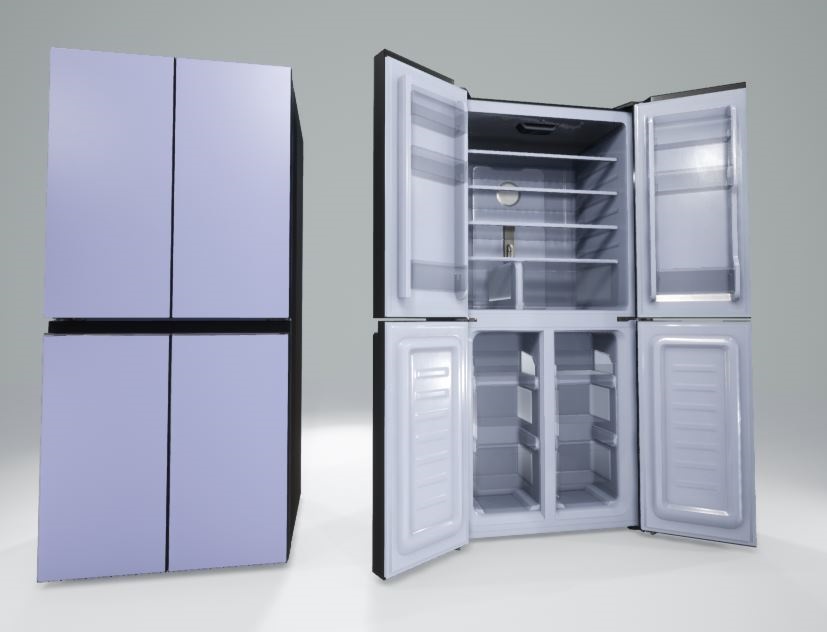
XR visuals often need to respect low-poly ceilings, LOD structures and polycount limits while still preserving enough material and texture detail to read well in use.
03
Delivery fit
A render that looks strong in isolation may still fail if it is not planned for the target headset, mobile AR, web XR or mixed-reality workflow.
02
Hybrid content
When XR includes live-action footage, digital faces or VFX elements, the render has to fit the surrounding material cleanly so the final composite feels coherent.
What your team gets
What the rendering stage adds
01
Better visual control
Lighting, materials and camera framing can be tuned to support the story rather than leaving everything to the source model.
02
Cleaner output planning
Rendering decisions can be matched to the project scale, from in-house rendering to external farm coordination.
03
Stronger integration
Compositing and head-tracked face work help XR assets sit more naturally beside live-action or other digital elements.
04
More usable handoffs
A render process built around the target platform makes it easier for XR teams to use the final assets in production.
Capabilities and deliverables
Relevant production capabilities
-
- Lighting and shading refinement
-
- Camera animation and shot design
-
- Head tracking for face integration
-
- Compositing with live-action and VFX
-
- In-house rendering for smaller jobs
-
- External render farm coordination
-
- Performance-aware XR asset output
-
- Virtual reality, AR and mixed reality support
Production approach
How Mimic approaches XR rendering
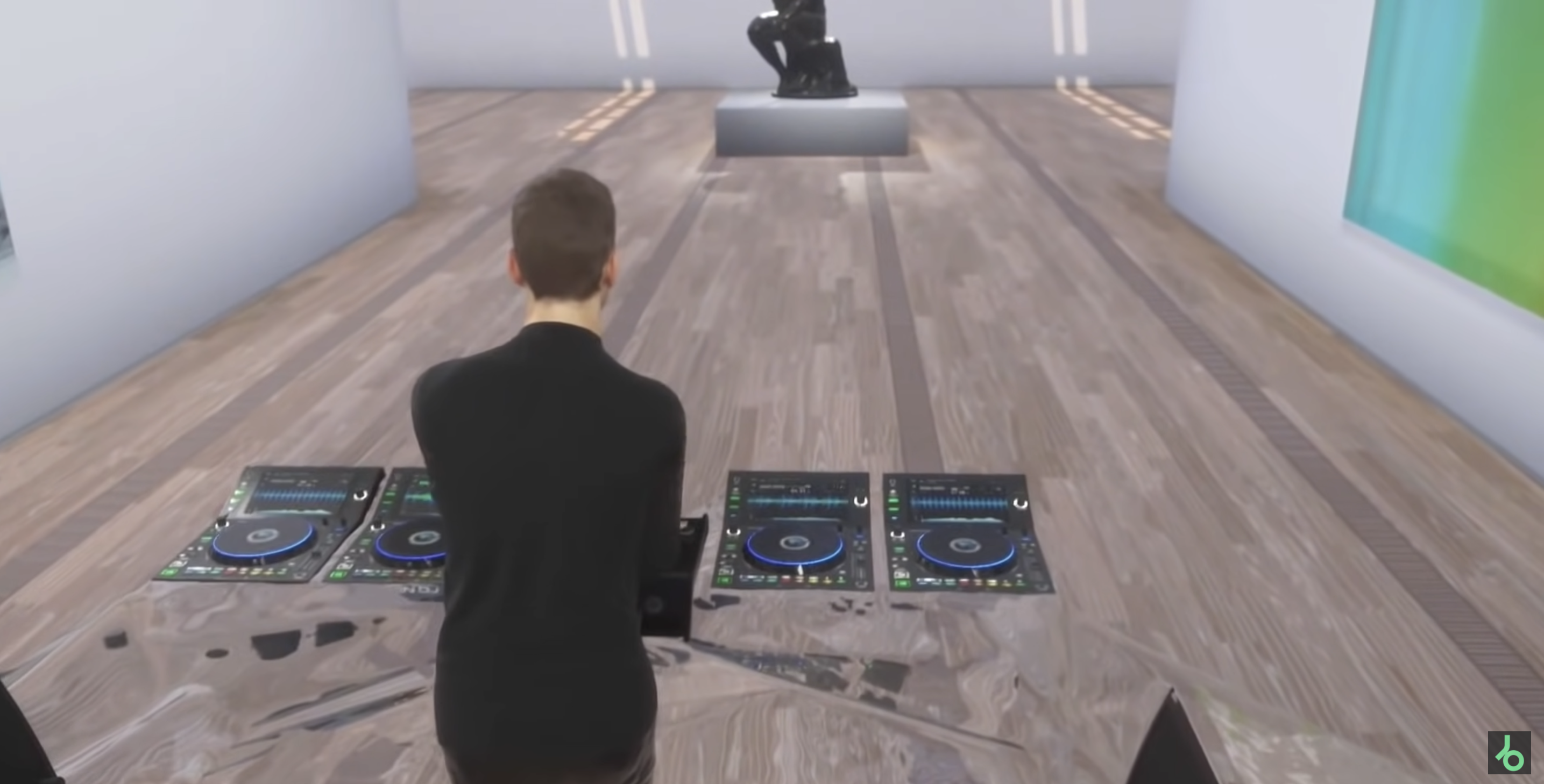
Mimic Productions treats rendering as the point where image quality, story intent and technical delivery meet.
Provide the intended shot list, reference lighting and final presentation format. Review framing, materials and exposure together, then agree the animation, compositing and output requirements before committing to final frames. For XR, specify the viewing device and interaction scenario, including how close the audience will get to the character.
Explore our 3D Rendering services and XR production.
Related production services: 3D Modeling for XR · Digital Hair and Clothing for XR · 3D Rendering for Holograms.


How we work
Typical delivery stages
01
Review the XR brief
We check the target platform, visual goal and delivery constraints so the render plan matches the intended experience from the start.
02
Prepare lighting and camera
Lighting, materials and camera movement are adjusted to support realism, clarity and the kind of shot language the project needs.
03
Render and composite
Rendered elements are produced and, where needed, combined with live-action or VFX layers to create the final image sequence.
04
Handoff for XR use
We deliver output in a form that suits the production pipeline, with the project size and platform requirements in mind.
Frequently asked questions
Questions teams ask before production
Q.1 Is rendering in XR only for polished final visuals?
No. Rendering can support a range of needs, from final frames and composited shots to character presentation, test outputs and hybrid live-digital scenes. In XR, the key question is how the render will be used inside the wider experience and what performance limits apply to the target platform.
Q.2 Can Mimic handle both small and larger rendering jobs?
Yes. The service material states that Mimic Productions provides in-house rendering for smaller projects and coordinates external render farms for larger productions. That flexibility matters in XR, where different deliverables may need different levels of throughput and control.
Q.3 Does XR rendering replace real-time optimisation?
No. Rendering does not remove the need to plan for headset, mobile AR or web constraints. Mimic XR specifically notes performance budgets, LOD structures, polycount limits and real-time rendering requirements, so the render approach should fit those conditions rather than ignore them.
Q.4 Can this service create the XR platform itself?
Rendering is the visual finishing stage. An interactive XR experience also needs suitable assets, runtime behaviour and deployment. Define whether you need rendered content for use within the experience or an engine-ready character, since those are different deliverables and require different production work.
Q.5 How does rendering support hybrid live-action XR content?
Through lighting, head tracking and compositing. Mimic Productions describes head tracking for integrating a digitally rendered face into live-action footage, and compositing as the stage where digital assets, VFX and live-action elements come together. That makes rendering especially relevant when XR content has mixed sources.
Q.6 What do you need to quote 3D rendering for VR and AR?
Send prepared models and textures, camera references and final output specifications, together with the deadline and any existing assets. Name the headset or device, engine and interaction requirements so the asset budget reflects the actual deployment. The work involved depends on shot duration, output resolution, material complexity and render requirements. Confirm the deliverables and review stages in the proposal so the quote covers the work your team actually needs.
Frequently asked questions
Questions teams ask before production
For VR and AR, 3D rendering scope depends on shot duration, output resolution, material complexity and render requirements. Send prepared models and textures, camera references and final output specifications. Name the headset or device, engine and interaction requirements so the asset budget reflects the actual deployment.