.png)
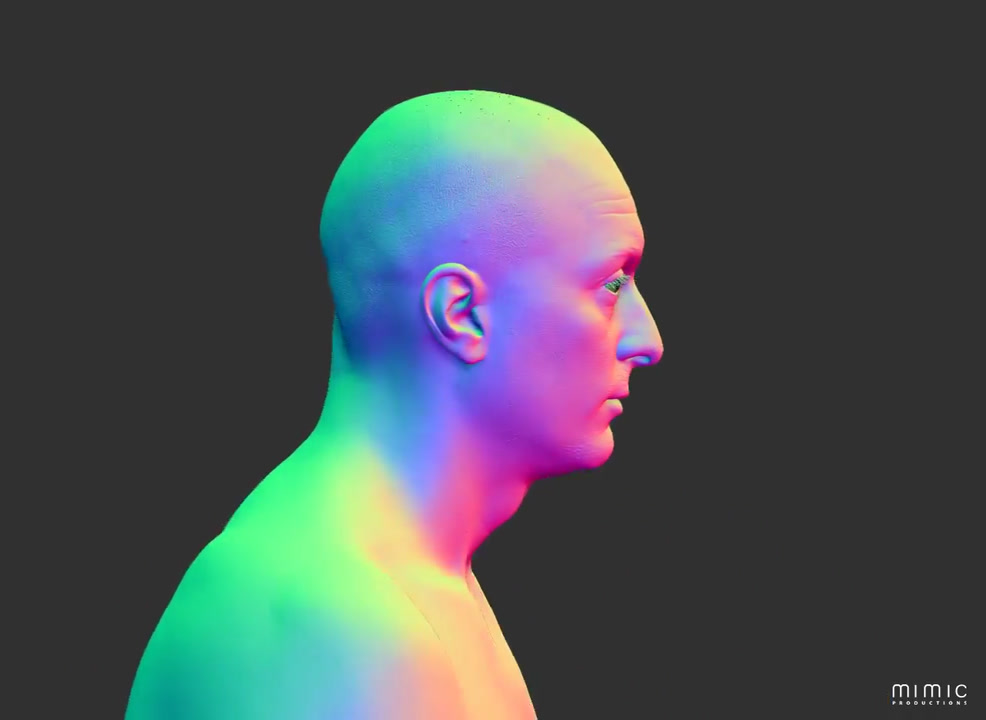


Rendering for robotics
Visual output that helps robotics teams judge expression, form and presentation
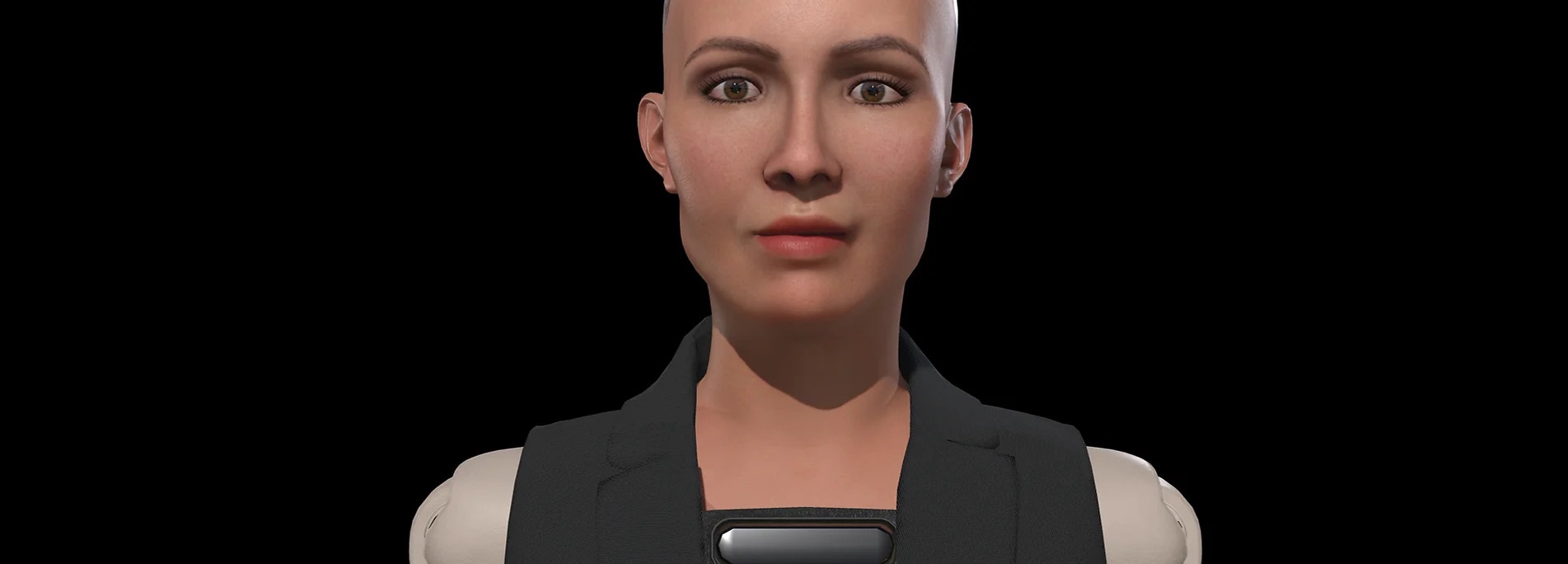
For robotics projects, rendering is rarely just about making a model look polished. It is often the point where facial design, surface detail, lighting and camera language are checked together, so a team can see whether a humanoid face reads as intended in motion, on screen and in mixed live-action material.
Mimic Productions provides 3D rendering services for robotics work that needs human-like visual clarity. That can include photoreal frames for launch material, lighting support for animated faces, camera animation for controlled presentation shots, compositing for hybrid footage and rendered output for digital twin workflows. The service is useful when a robotics team needs to communicate a design to stakeholders, evaluate how an expression reads from specific angles, or prepare high-quality visuals for demo material without claiming a physical control or hardware outcome.
Production challenges
Common robotics production problems
These are the issues robotics teams usually need to resolve before visuals are ready for review or release.
01
Expression must read clearly
A humanoid face can look convincing in a close-up and still feel unclear from the camera angle used in a demo, keynote or product film.
03
Digital and live footage need alignment
When rendered faces are placed into filmed material, compositing and tracking must support a believable match between motion, lighting and perspective.
02
Surface detail has to hold up
Materials, skin-like finishes and small reflective changes need careful rendering so the robot does not lose realism under controlled lighting.
What your team gets
What this adds to a robotics workflow
01
Better visual review
See facial design and motion in rendered form before wider production or presentation use.
02
Cinematic presentation
Use controlled lighting and camera animation to frame a robot in a way that supports the brief.
03
Flexible output paths
Choose in-house rendering or external farm coordination depending on complexity and turnaround needs.
04
Hybrid-ready assets
Prepare rendered elements that can be composited into live-action footage or digital twin material.
Capabilities and deliverables
Rendering capabilities used in robotics
-
- Lighting for realistic facial surfaces
-
- Camera animation for product-style shots
-
- Head tracking for face replacement workflows
-
- Compositing for live-action integration
-
- Photoreal stills for launch and review
-
- Digital twin visuals for simulation support
-
- In-house rendering for smaller productions
-
- External render farm coordination for larger jobs
Production approach
How the service is applied
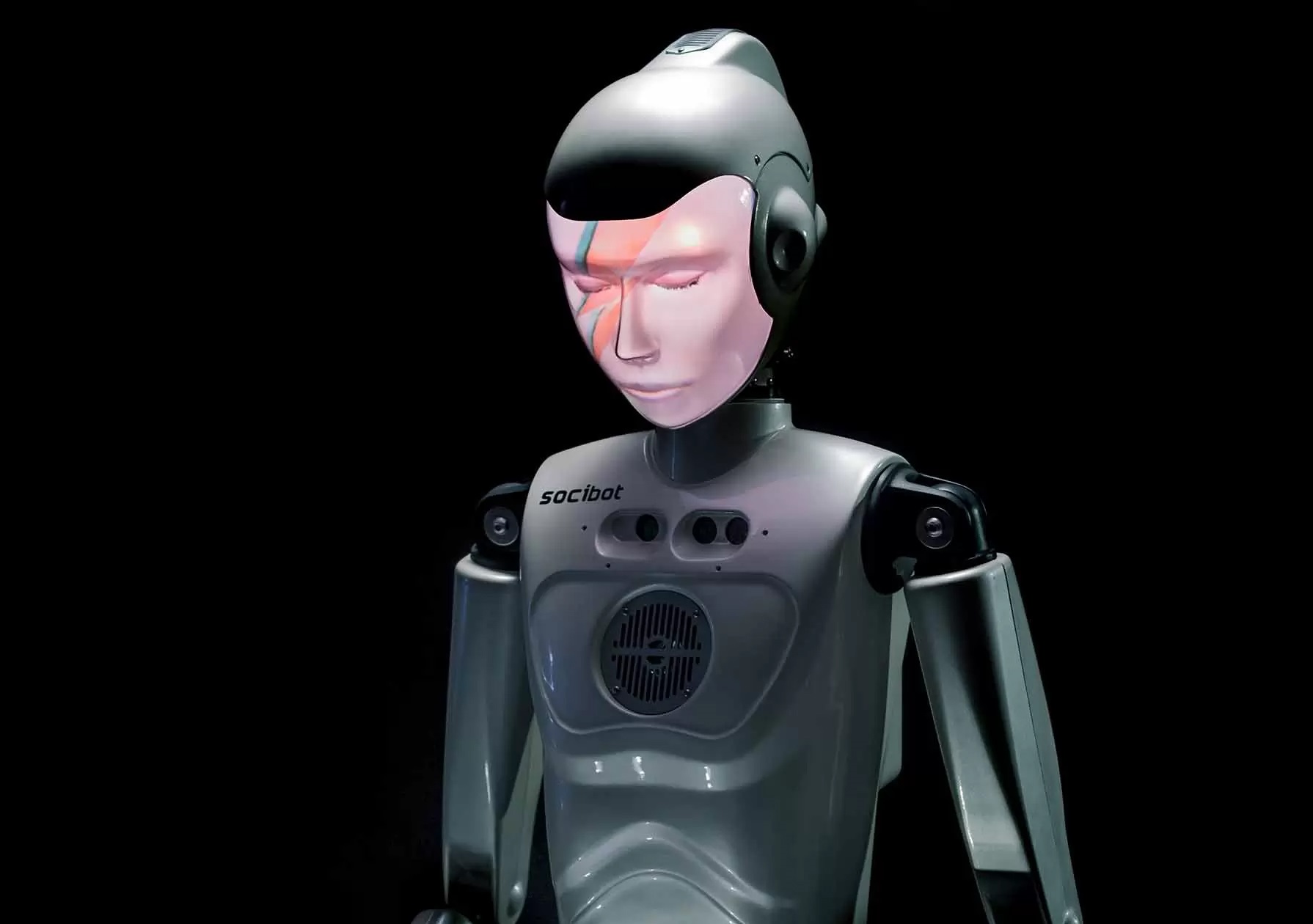
In robotics, rendering is most useful when a team needs to evaluate appearance and communication as much as motion.
When the project includes live-action plates, head tracking and compositing can help place a digitally rendered face into footage in a controlled way. When the project is purely digital, the same pipeline can be used to build presentation assets for humanoid robots, digital twins or concept development. In every case, the aim is a believable visual result that supports decision-making and communication, not a promise that the rendered output by itself functions as conversational software or physical robotics control.
Explore our 3D Rendering services and Robotics production.
Related production services: 3D Modeling for Robotics · Digital Hair and Clothing for Robotics · 3D Rendering for Conversational AI.


How we work
Typical delivery path
01
Review the source assets
We assess the supplied model, textures, motion needs and intended use so the rendering approach matches the robot’s role and output format.
02
Set lighting and camera design
Lighting, framing and shot movement are planned to support realism, facial readability and the specific presentation context.
03
Render and composite
We produce the frames, then combine them with any live-action or digital elements so the final image holds together naturally.
04
Prepare the handoff
Final files are organised for review, edit, simulation or presentation use, with the render route matched to the project size.
Frequently asked questions
Frequently asked questions
Q.1 Is this service for robot hardware development?
No. The rendering service supports visualisation, presentation, animation and compositing. The robotics source also covers digital twin and humanoid development topics, but the rendering offer itself does not replace mechanical engineering, electronics or control systems work.
Q.2 Can you render a humanoid face for a live-action sequence?
Yes, if the project includes tracking and compositing requirements. The service text describes head tracking as a complement to digital face replacement and hybrid live-digital content. The final result still depends on the source footage, approved assets and the intended shot design.
Q.3 Do you build the conversational AI behind a robot?
Rendering alone does not make a robot conversational or autonomous. It produces images or sequences that communicate a character’s appearance and performance. Dialogue systems, control software and physical robot behaviour require separate integration work, which should be defined alongside the visual brief.
Q.4 Can this help with digital twin testing?
Yes. The robotics source describes digital twin technology for testing, training and simulation. Rendering can support the visual side of that workflow, helping a team present or review a virtual replica of a physical robot more clearly.
Q.5 What if we only need still images?
That is a valid use case. Rendering can be directed toward stills, not just animation, which is useful for concept sign-off, launch material or stakeholder reviews where motion is not required.
Q.6 How do you choose between in-house rendering and a render farm?
We assess the project requirements and guide the most efficient route. Smaller productions can be handled in-house, while larger jobs may be coordinated through external render farms to suit complexity and output demand.
Frequently asked questions
Frequently asked questions
For robotics visualisation, 3D rendering scope depends on shot duration, output resolution, material complexity and render requirements. Send prepared models and textures, camera references and final output specifications. Distinguish a digital prototype from a physical robot deployment and describe the expression or movement the visual asset must support.