.png)


Motion capture for conversational AI
Performance that gives AI characters presence
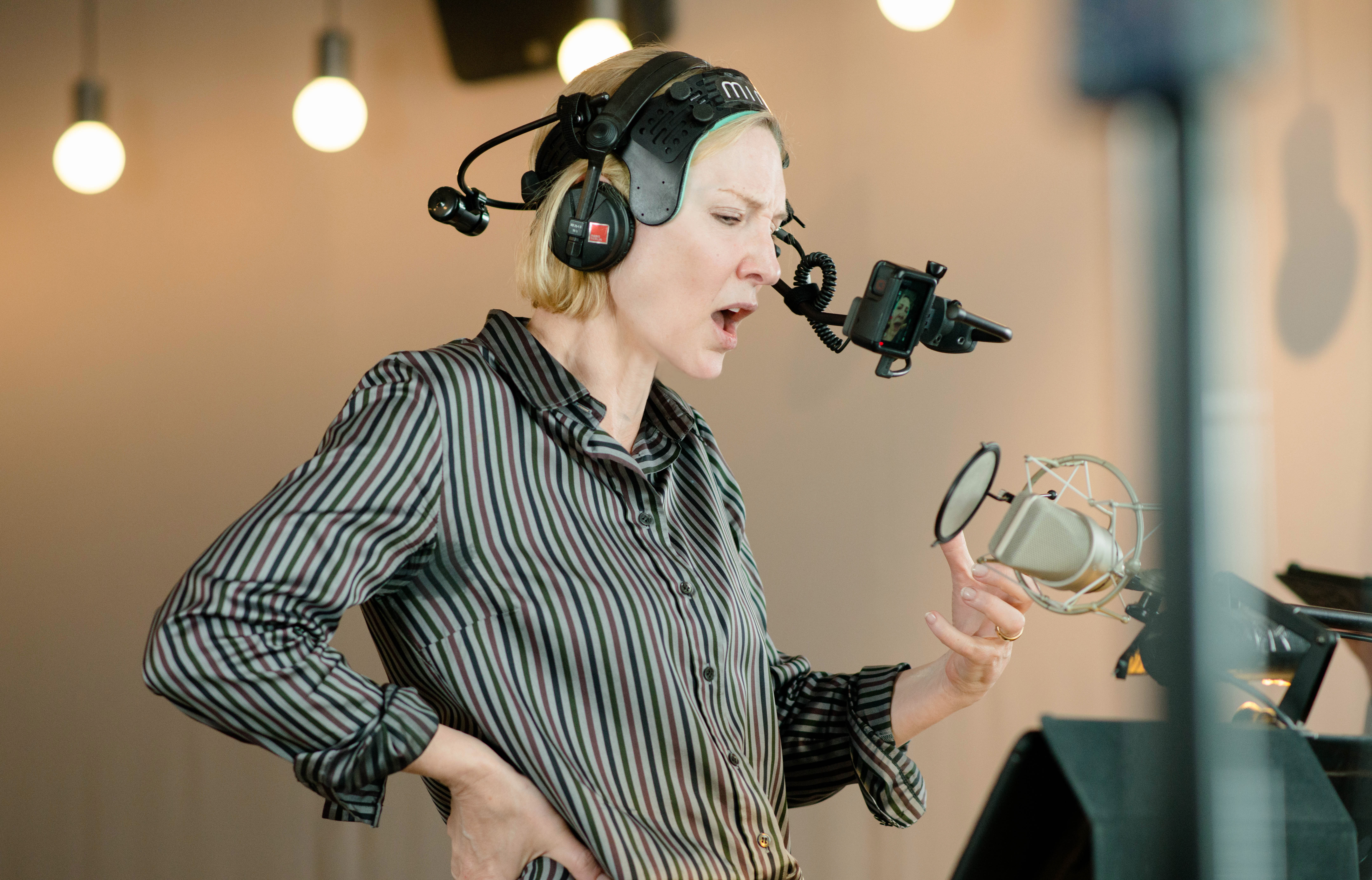
Conversational AI often starts with the conversation logic, but the audience first reads the face, timing and body language. For that reason, motion capture matters when your avatar needs to feel believable on screen, in a live environment, or inside an interactive product. Mimic Productions in Berlin provides facial motion capture, body mocap and realtime solutions that can support AI avatars, assistant characters, intelligent NPCs and digital communication formats.
Our work is built around performance capture, technical handling and practical handoff. That means recording expressive facial detail, body movement and, where needed, realtime output for live events or interactive experiences. We can work with optical or markerless tracking, multiple performers, high-speed action, and portable setups on location. The outcome is not a chatbot by itself. It is the captured character performance that can be used as the visual layer for your conversational AI experience.
Production challenges
Common production points
When conversational AI becomes a visible character, the pipeline quickly expands beyond a simple render.
01
The avatar looks static
A conversational system may respond well in text, but still feel flat on screen. Facial capture and body performance help add timing, expression and physical presence to the character.
03
Delivery has to fit your team
Some teams need solved animation data, while others need export-ready files for their own tools. Clear handoff avoids friction when the character moves into product, broadcast or development workflows.
02
Live output needs control
If the avatar appears during a live event or interactive session, the capture setup has to support realtime preview, technical support and reliable operation during the session itself.
What your team gets
Why teams use mocap here
01
Expressive faces
Capture subtle blinks, lip sync and dynamic emotion for conversational characters.
02
Body language
Add grounded movement so the avatar feels present, not just animated from the shoulders up.
03
Realtime options
Support live presentations, digital communication and interactive avatar experiences.
04
Practical handoff
Export captured data in industry standard formats for your downstream team.
Capabilities and deliverables
What we can support
-
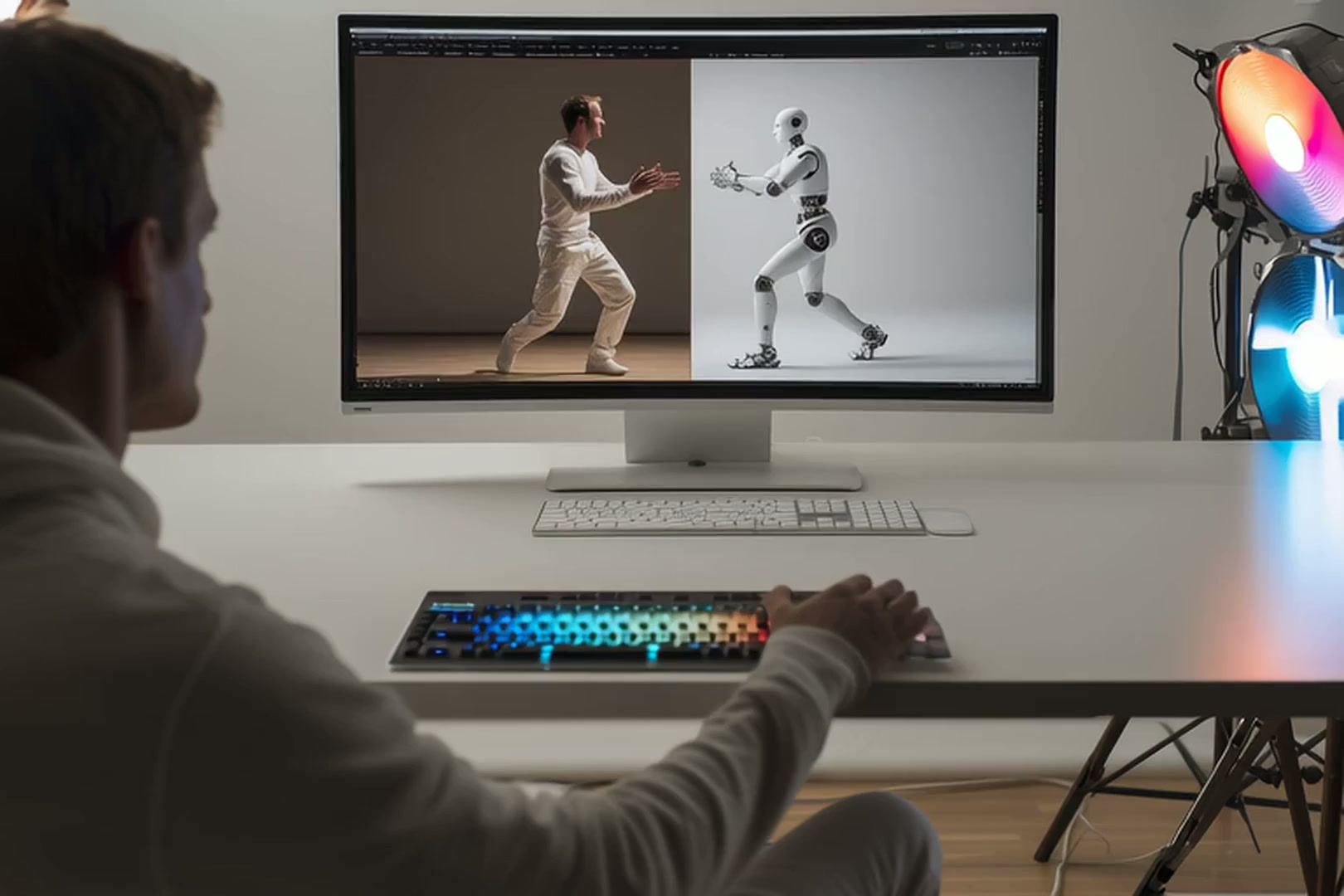
- Facial motion capture
-
- Body motion capture
-
- Realtime facial capture
-
- Optical body tracking
-
- Markerless inertial mocap
-
- Multiple performers in one session
-
- On-location capture
-
- Export and clean-up support
Production approach
How the service fits conversational AI
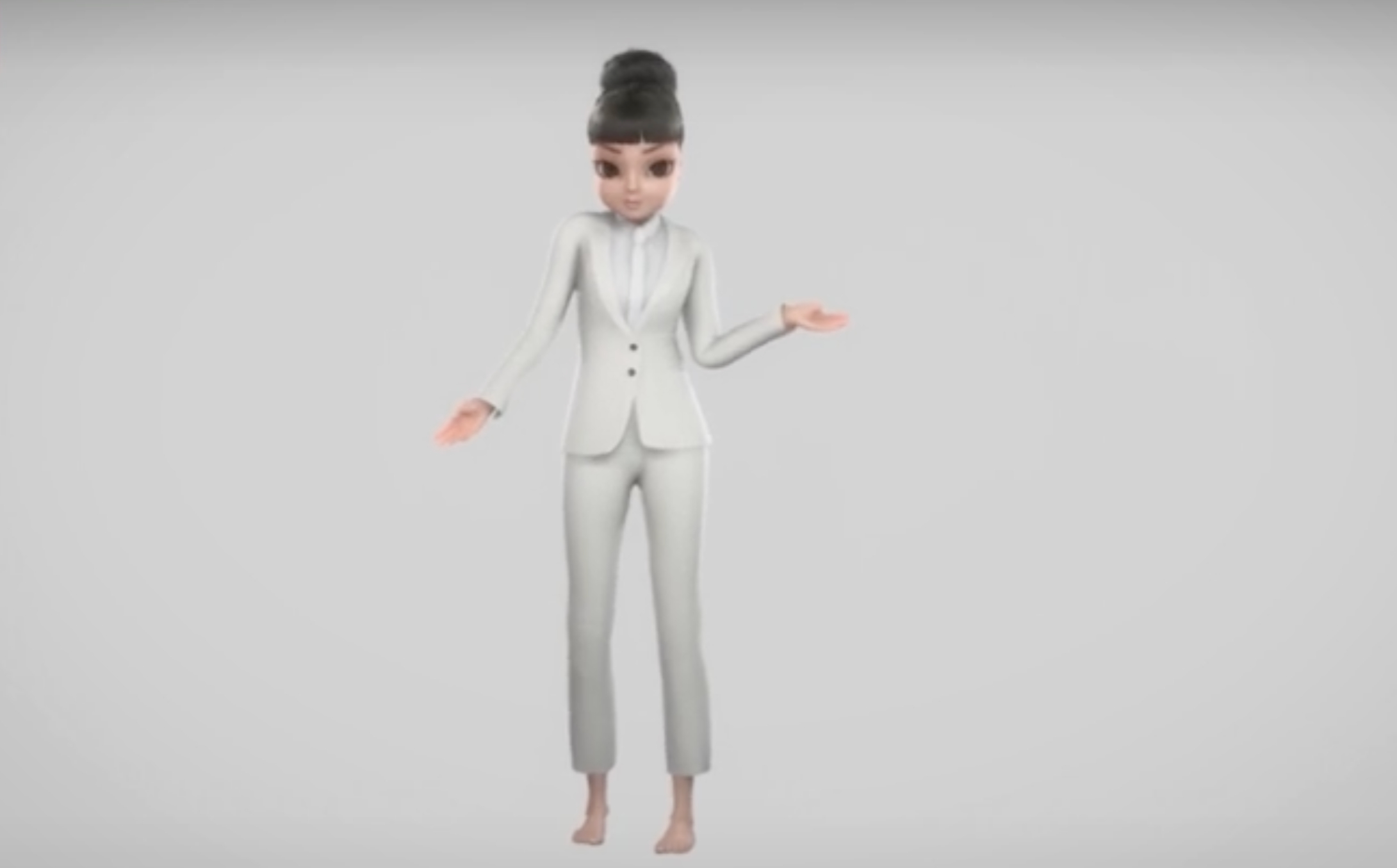
For conversational AI, motion capture is most useful when the avatar has to communicate more than words.
Prepare an action list with references for timing, contact points and character proportions. Identify continuous performances, repeated cycles and facial requirements separately, then agree how takes will be reviewed and which cleanup or animation work belongs in the delivery scope. For conversational experiences, describe the assistant’s role and the expressions, gestures and idle behaviour needed while it listens or responds.
Explore our Motion Capture services and Conversational AI production.
Related production services: 3D Animation for Conversational AI · Character Rigging for Conversational AI · Motion Capture for Robotics.


How we work
From test to delivery
01
Scope the character
We start by defining what the avatar must do, whether that is dialogue, live presentation, NPC interaction or a specific emotional range.
02
Prepare the capture plan
We assess the right setup, from facial capture to optical or markerless body mocap, and plan the space, performers and support needed.
03
Record and review
During capture we handle tracking, technical support and reference recording, with options for realtime preview when required.
04
Export and hand off
We refine the data as agreed and deliver it in suitable formats so your animation, AI or production team can continue the workflow.
Frequently asked questions
Frequently asked questions
Q.1 Does motion capture replace the conversational AI system?
No. Motion capture provides the visual performance for the character, while the conversation logic, language model or product integration remains a separate part of the build. The service is useful when you want the avatar to speak, emote or move in a convincing way.
Q.2 Can you record facial and body performance together?
Yes. The studio describes facial capture with wireless head-mounted cameras alongside optical body motion capture, allowing both types of data to be captured in the same performance. That is useful when the character’s expression and body language both matter.
Q.3 Can this work for live events or interactive experiences?
Yes. Realtime facial and body motion capture are available for live projections, digital communication and interactive 3D experiences. We also provide pre-production testing, system setup and technical support for the main event.
Q.4 What if we do not have a capture room?
The motion capture system is described as fully portable and adaptable to almost any environment. That means on-location work can be considered when a dedicated studio is not available, subject to the practical needs of the session.
Q.5 What kinds of files can be delivered?
The source states that final data can be delivered in industry standard formats such as FBX, C3D, Maya and 3ds Max. If your team needs a specific handoff path, that should be agreed during planning so the data arrives in the right form.
Q.6 Is this only for photoreal avatars?
No. The motion capture service is relevant for film, gaming and interactive media, which means it can support different visual styles. For conversational AI, the important point is whether the character needs believable movement and expression, not whether it is fully photoreal.
Frequently asked questions
Frequently asked questions
For conversational avatar production, motion capture scope depends on performer count, capture time, facial recording and the amount of animation cleanup. Send an action list, performer needs and the required animation handoff. Define the speaking and listening behaviour, target interface and responsibility for the dialogue system before choosing the visual pipeline.